
Local AI Launcher
One click from download to running a private model.
A tiny desktop launcher that installs, updates, and runs open-source models on your own machine. No terminal required.
Version 2.1Last updated
Overview
About this app
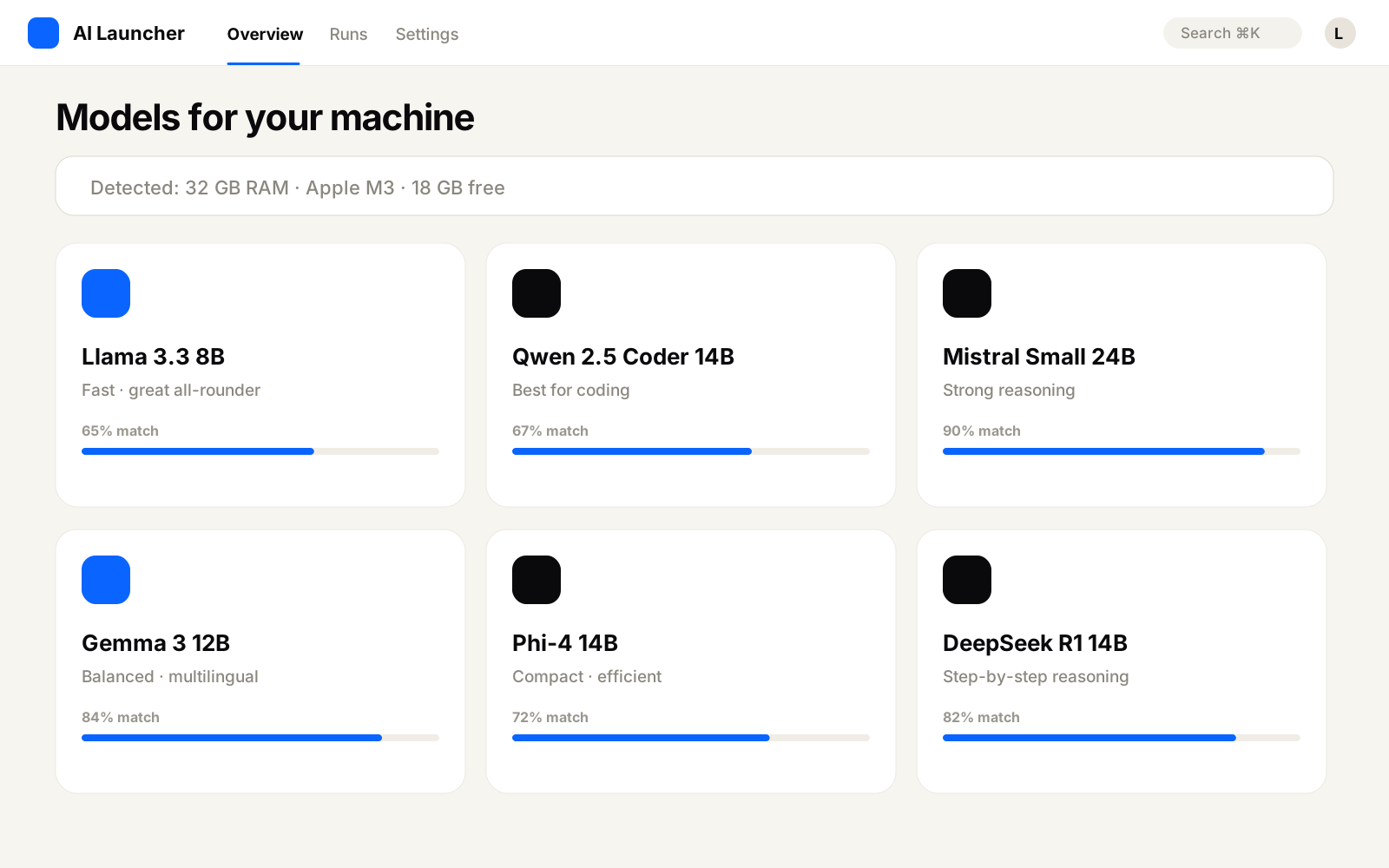
Running local models is great, until you're three tutorials deep fighting drivers and config files. Local AI Launcher detects your hardware, recommends models that will actually run well on it, and starts them with one click.
- What it does
- Detects your GPU and RAM, suggests compatible models, downloads them, and launches a local chat endpoint other apps can use.
- Why I built it
- Every student in the community asked the same setup questions. I built the answer once.
- The problem it solves
- The wall of setup that stops most people from ever trying local AI.
- Who it's for
- Curious beginners and privacy-minded builders who want AI that never leaves their machine.
Preview
Screenshots
Get started
How It Works
- 1
Download the launcher
Mac, Windows, and Linux builds.
- 2
Pick a model
Choose from recommendations tuned to your hardware.
- 3
Click run
The launcher downloads and starts it for you.
- 4
Chat or connect an app
Use the built-in chat or point any tool at the local endpoint.
Keep exploring
You Might Also Like

Local Model Picker
Which local model should you run? Answer in 30 seconds.
FreeLocal AI New
NewMCP Server Builder
Describe an integration. Get a working MCP server.
PremiumCoding New
NewClaude Context Optimizer
Stop burning tokens. Keep Claude Code sharp all session.
CommunityPlugins Updated
Content Research Agent
Turn the internet into structured content research.
PremiumResearch